
Browser Extension
Solve captchas with no code using the NoCaptchaAI Chrome & Firefox extension.
The NoCaptchaAI browser extension automatically detects and solves captchas as you browse — no code, no scripts, no integration work. Install it, paste your API key once, and supported captchas are solved for you in the background.
Install
Chrome Web Store
Install for Chrome, Edge, Brave, and other Chromium browsers.
Firefox Add-ons
Install for Mozilla Firefox.
Source on GitHub
Browse the source, file issues, or build it yourself.
Setup
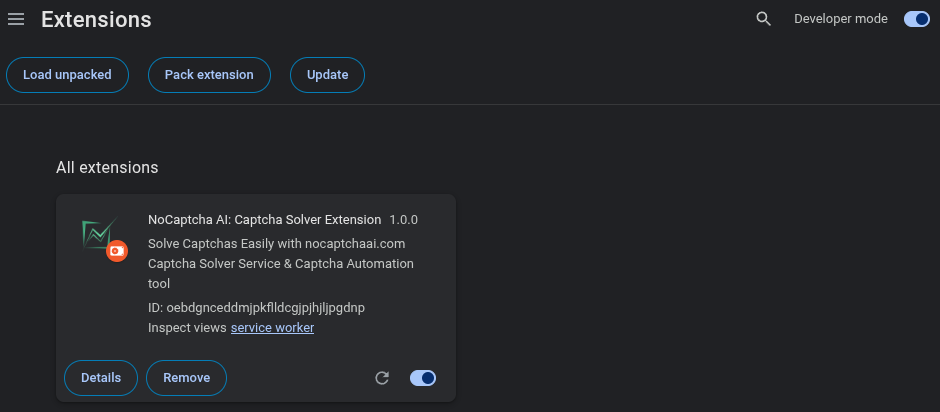
Install the extension
Add it from the Chrome Web Store or Firefox Add-ons, then pin its icon to your browser toolbar so it's easy to reach.
Get your API key
Sign in to the NoCaptchaAI dashboard and copy your API key. New accounts include free credits to get started.
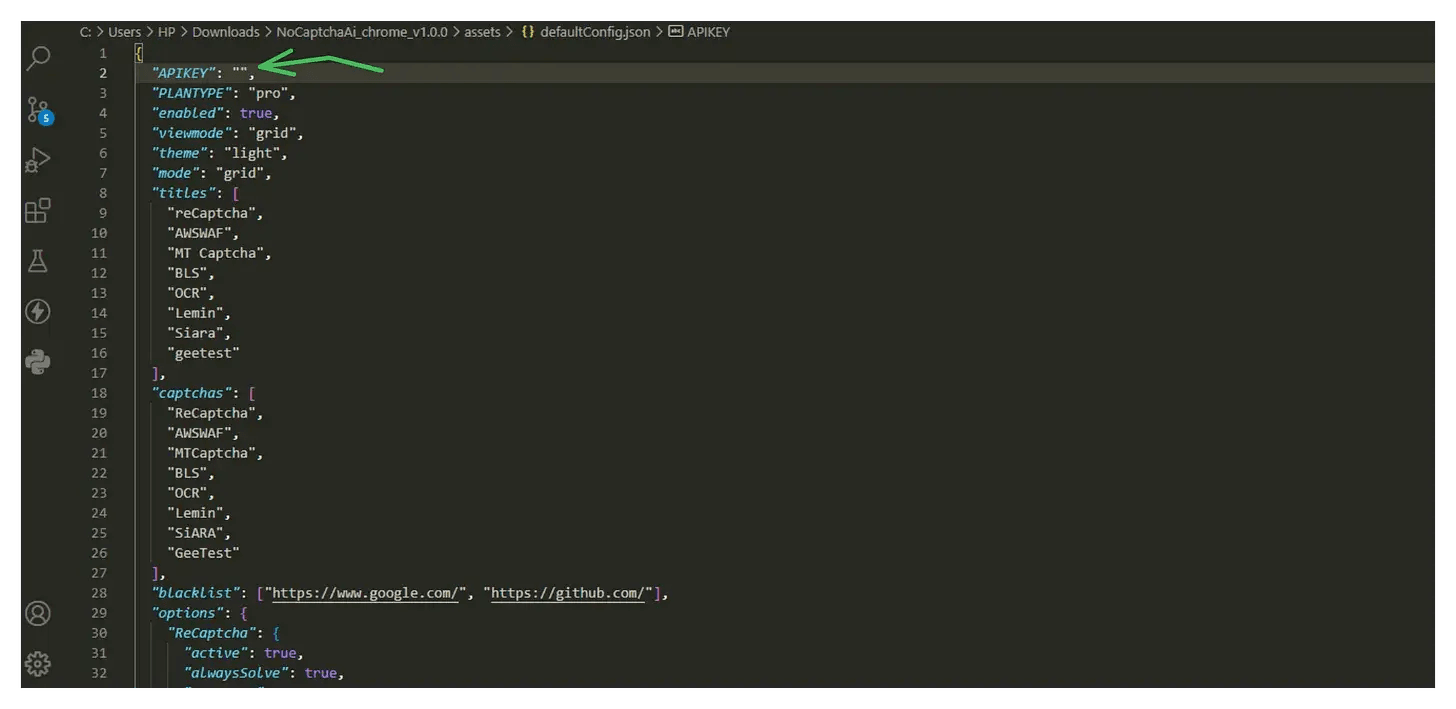
Paste your API key
Click the extension icon to open its popup, paste your API key into the key field, and save. The extension uses this key to authenticate every solve.
Configure your options
Choose whether to auto-solve on every page or only on sites you enable, and set per-site preferences for the captcha types you care about.
Visit a page with a captcha
Open any page that shows a supported captcha. The extension detects it and solves it automatically — you'll see the status update in the extension popup.
The extension uses the same API and the same credit balance as direct API calls — solves made in the browser draw from your account just like programmatic requests. If you'd rather integrate solving into your own code, follow the Quickstart.